
The reporting tab will show you the delivery reports for all messages sent using your account. The report provides you with a filter to help you search for a specific message by providing specific or several search queries.
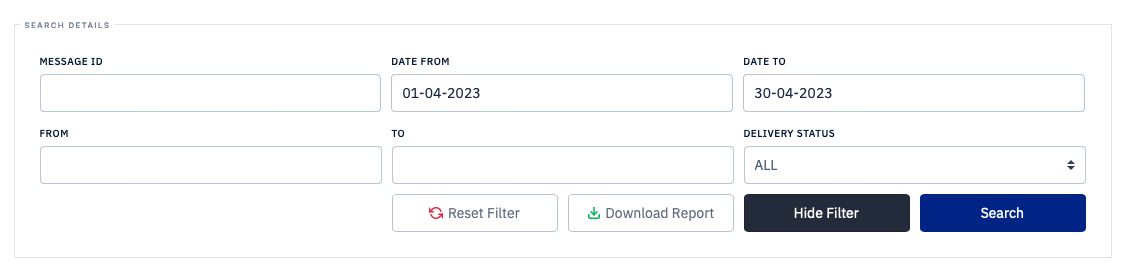
SMS delivery reports filter panel with Message ID, date range, From, To, and Delivery Status fields
In the Source column, it specifies how the message was executed - either via the portal or through the API. The cloud icon denotes that the message was executed using the API and the desktop icon denotes that the message was sent using the portal.